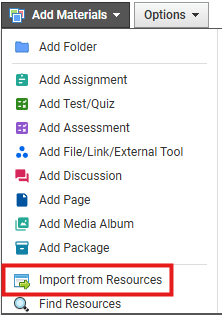
From your Schoology course, select Import from Resources in the Add Materials dropdown.
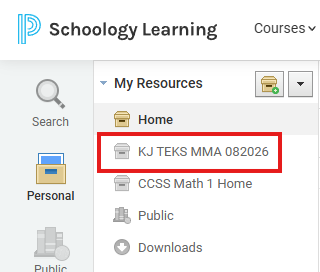
Find the course common cartridge that was imported into Schoology Resources and select it.
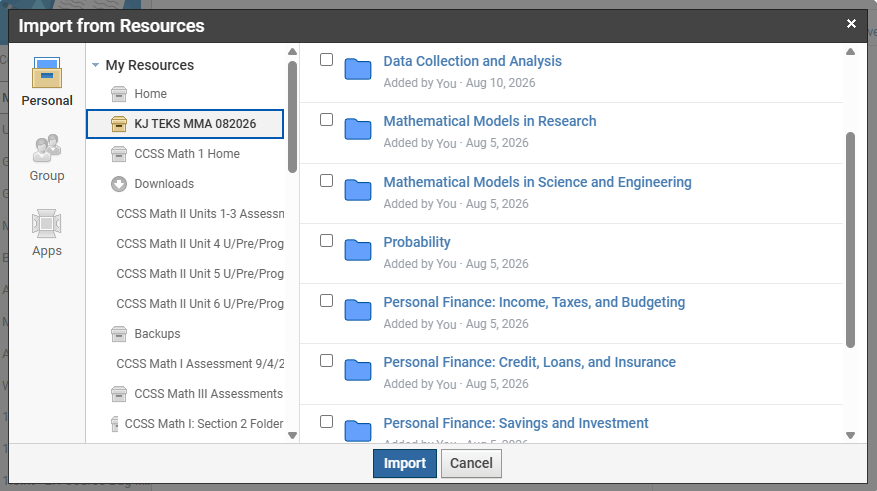
Select the checkbox(es) in the right column to select an entire unit's resources to import. Or click into the unit title to select specific resources within a unit to import. Click Import to start the process.